Type what you want to see, then get images and video from 118 AI models.
GeniPixie is a free browser studio for AI images and video: four studios, 118 fal.ai models, your own key, nothing to install.
Close-up of glowing fireflies dancing in a dark forest at twilight.

What’s in the studio
- Image Studio63 modelsCreate images from a prompt, or edit one you upload.
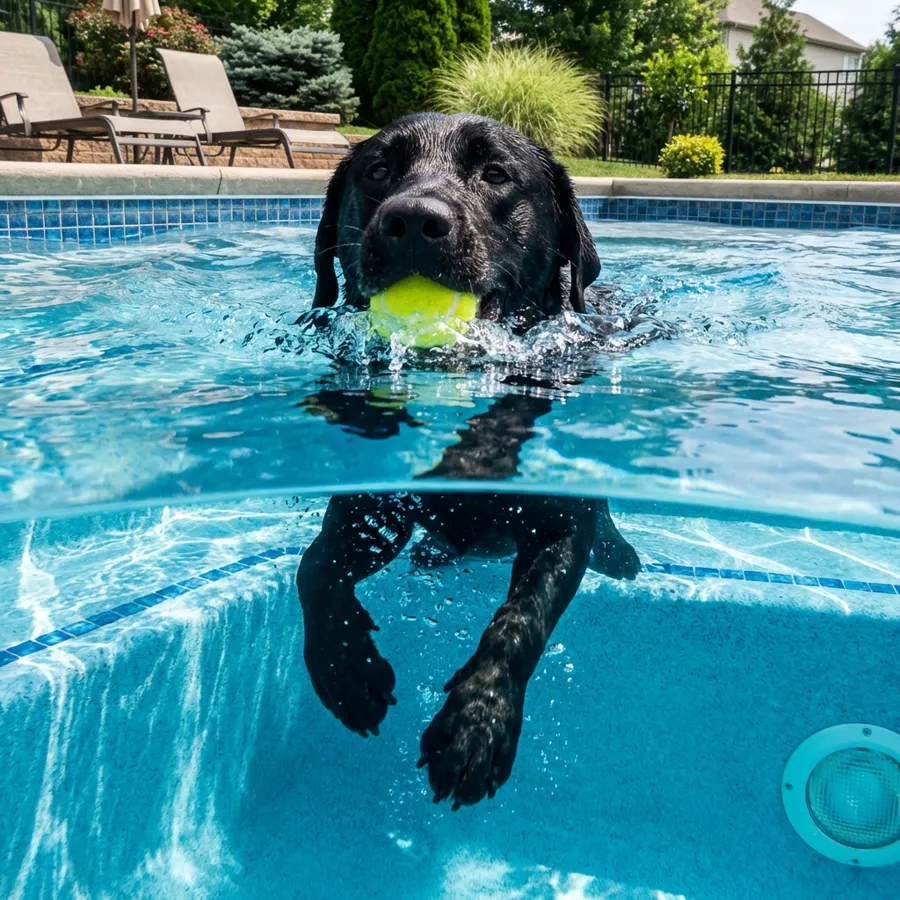
- Video Studio48 modelsCreate video from a prompt, or animate an image.
- Lip Sync7 modelsMake a face speak along to an audio track.
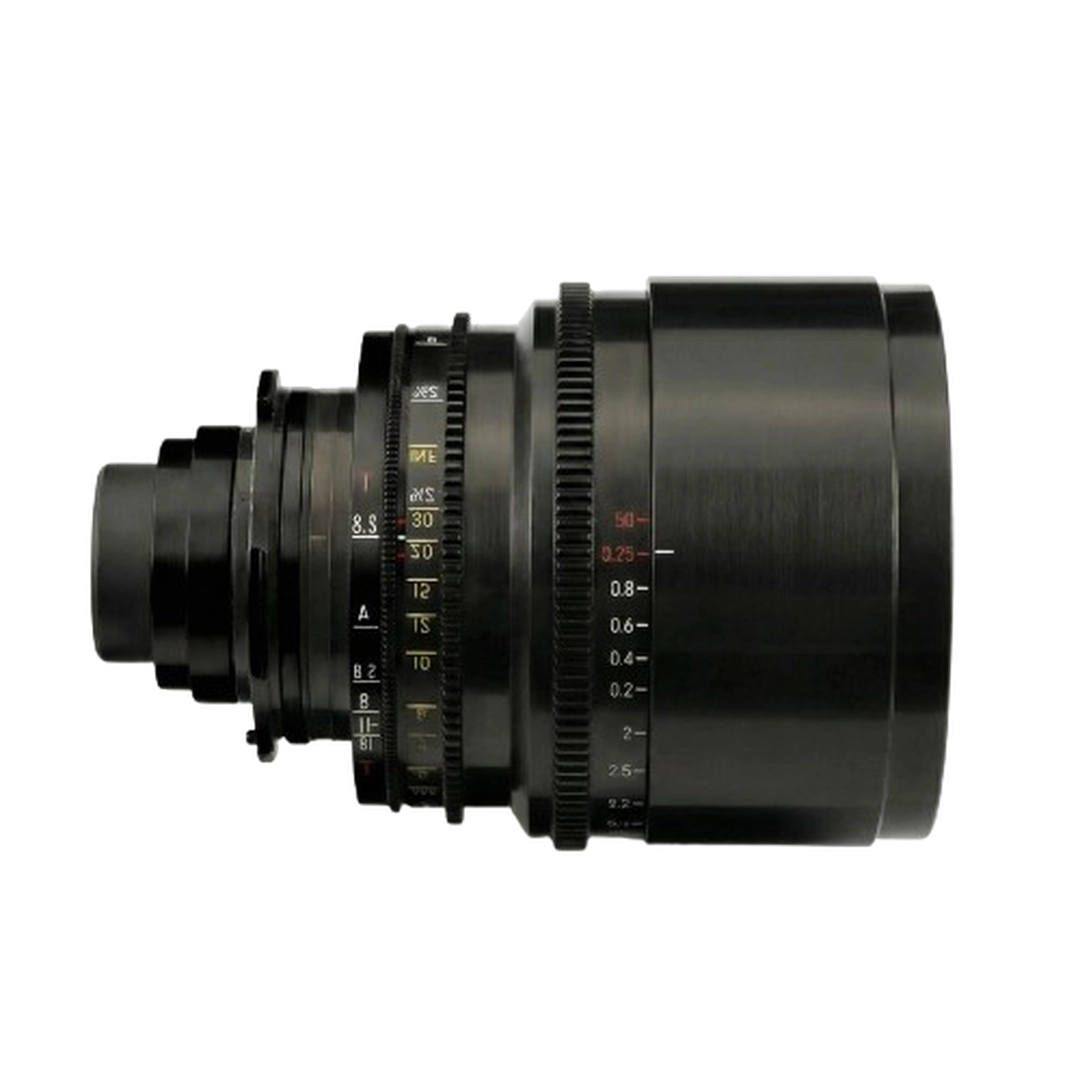
- Cinema StudioCamera controlsChoose the camera, lens, focal length and aperture for a shot.
Questions
What is GeniPixie?
GeniPixie is a browser studio for making AI images and videos. You type a prompt or upload a picture, pick one of 118 models on fal.ai, such as Flux, Nano Banana, Kling, Wan or Seedance, and the result lands in your gallery.
How much does GeniPixie cost?
The studio itself is free to use. Each image or video is generated on fal.ai with your own API key, and fal.ai charges your account for every result at its published price for that model.
Where is my fal.ai API key kept?
Your key is saved in this browser only. It is sent to fal.ai to run your requests and to nobody else, and you can remove it at any time from Settings in the studio.
What kinds of video can I make?
Video Studio makes a clip from a prompt or animates a still image, Lip Sync makes a face speak along to an audio track, and Cinema Studio lets you set the camera, lens, focal length and aperture before you generate.
You need a fal.ai API key to generate, and fal charges you for each result. The key stays in this browser and is only sent to fal.ai.
Open studioExamples are fal.ai’s published sample outputs for each model. Privacy